Find it beforethey outgrow it.
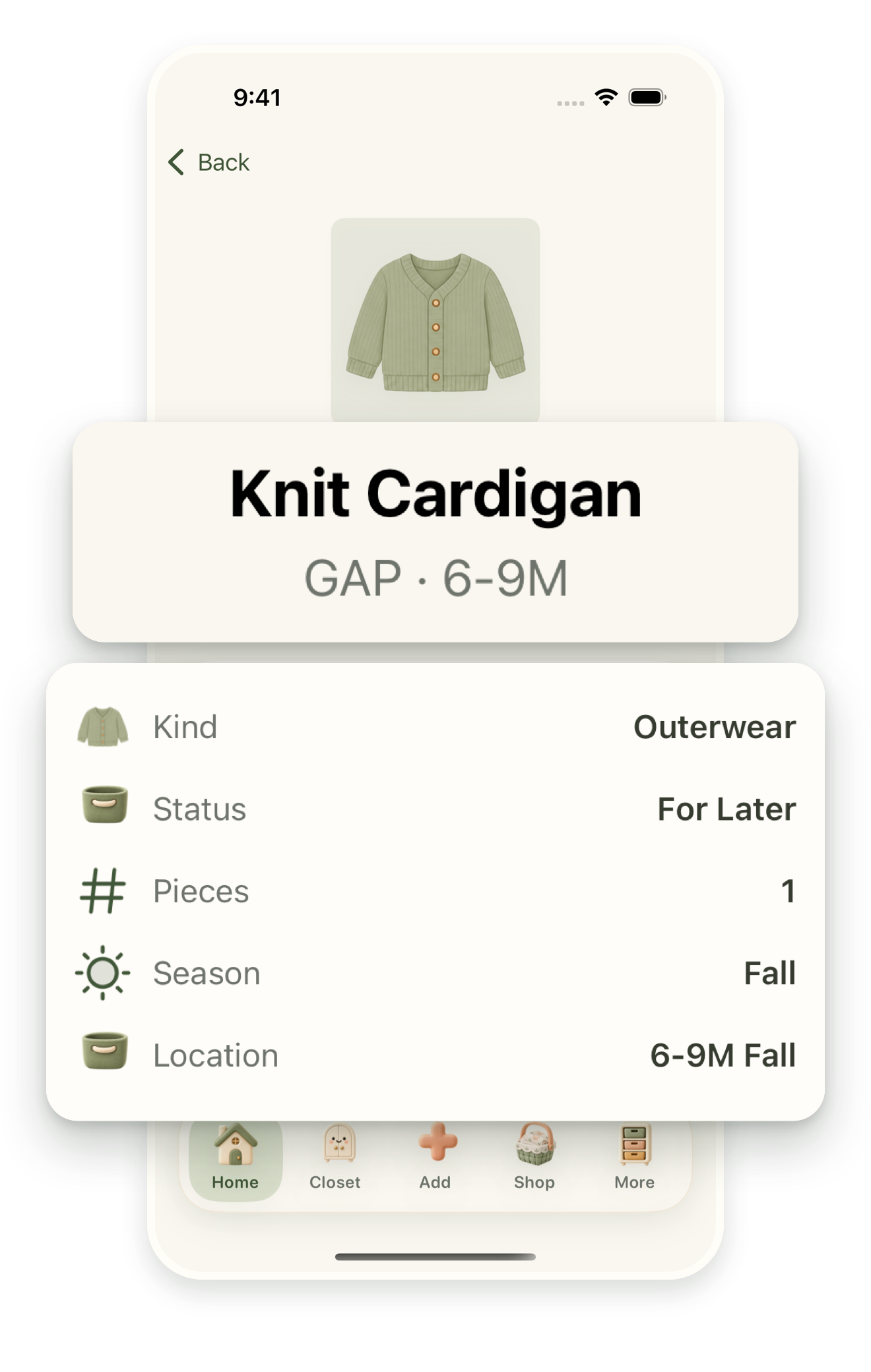
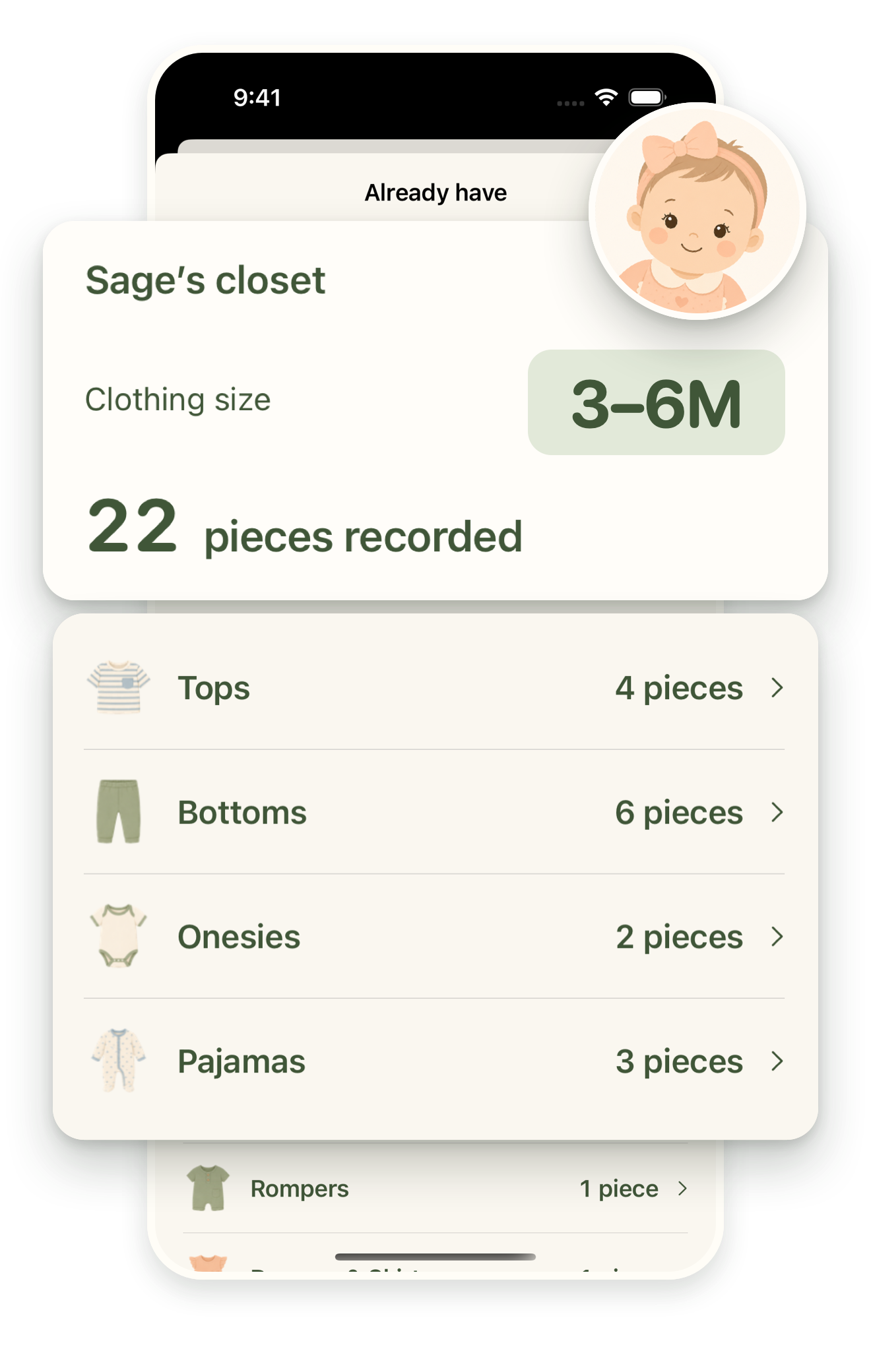
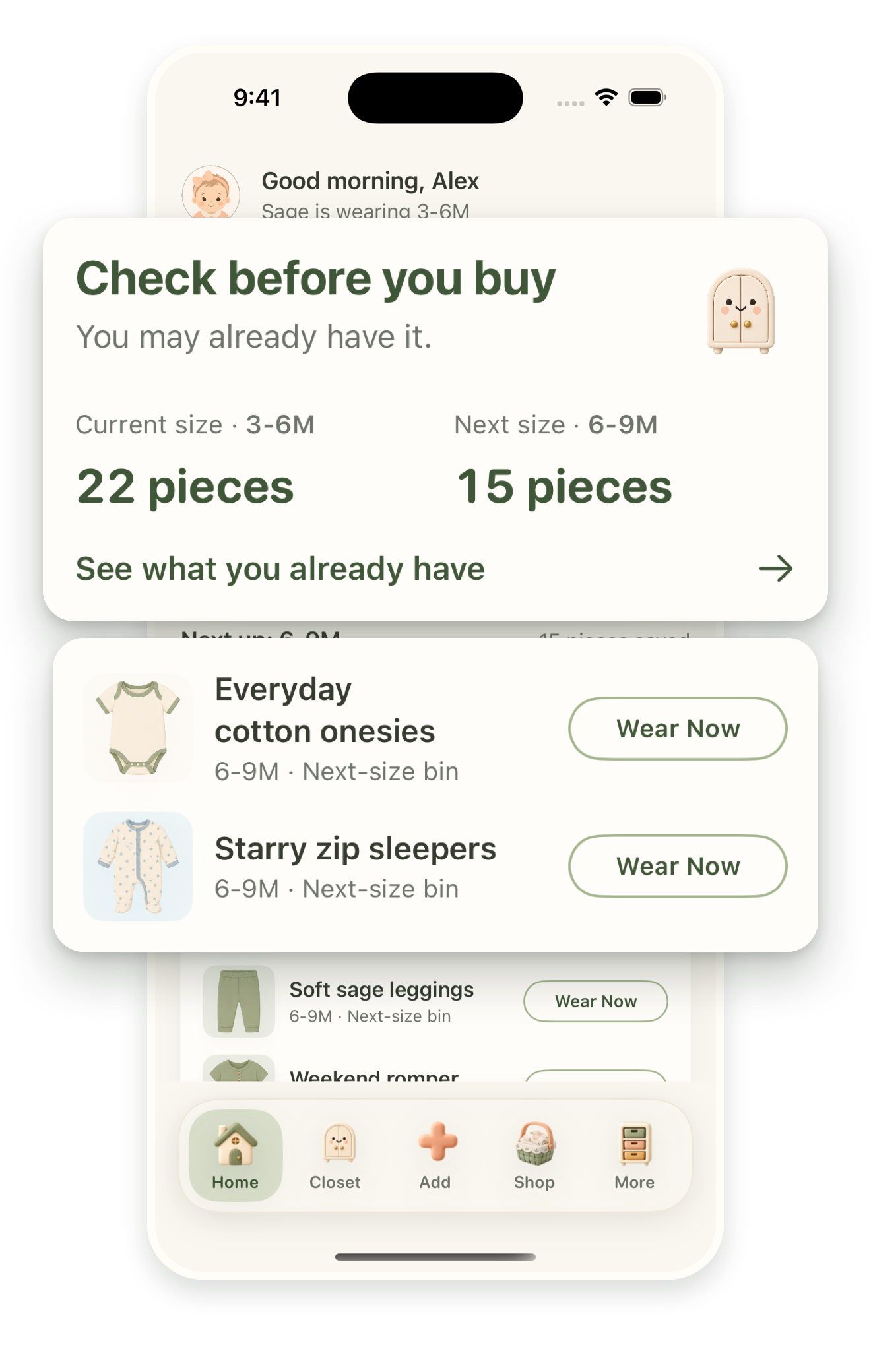
Their next size might already be in a drawer. Keep your child’s whole closet in view.
Take a lookComing soon to iPhone
Include your iPhone model, iOS version, and what happened. Leave out children’s personal details and photos.
Open Little Cubby’s subscription screen and tap Restore. Use the Apple Account that made the purchase. You can also find the subscription screen under More → Little Cubby Plus.
Open iPhone Settings → your name → Subscriptions → Little Cubby. You can also manage Apple subscriptions here. Deleting the app does not cancel billing. For purchase or refund help, visit Apple’s purchase support.
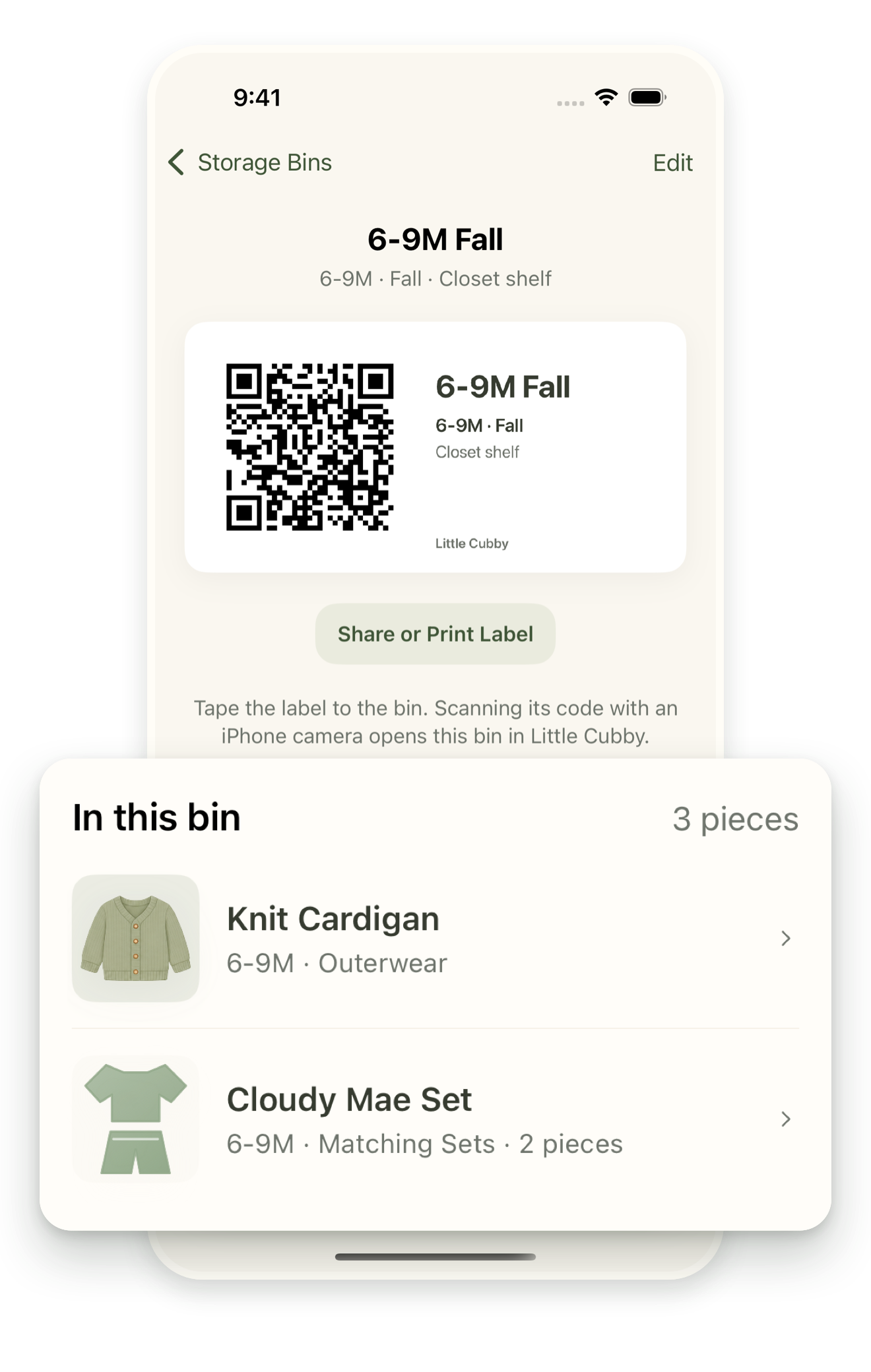
An active monthly or annual subscription, or eligible trial, unlocks your personal closet: clothing and child profiles, size planning, bins and labels, reminders, shopping tools, and pass-down organization. Both plans offer the same features. Prices and any eligible trial appear before purchase. Saved clothes remain readable when access expires.
Your closet is stored on your device and uses your private iCloud database when available. Little Cubby does not require a separate app account. Apple Family Sharing can share an eligible subscription; it does not share your private closet with another caregiver. Read our Privacy Policy for details.
Open Privacy & Data in Little Cubby to manage optional usage analytics and the app’s data controls. Erasing closet data and cancelling a subscription are separate actions. Email us if you need help.